Skip to content
Search
Linkedin-in
Youtube
Newsletter
Google Sheets Tips
Formulas
Charts & Graphs
Top Courses
Templates
Excel Guides
Articles
Google Sheets Tips
Formulas
Charts & Graphs
Top Courses
Templates
Excel Guides
Articles
Google Sheets Tips
Formulas
Charts & Graphs
Top Courses
Templates
Excel Guides
Articles
Google Sheets Tips
Formulas
Charts & Graphs
Top Courses
Templates
Excel Guides
Articles
Google Docs
How To Hide Comments in Google Docs [Step-by-Step Guide]
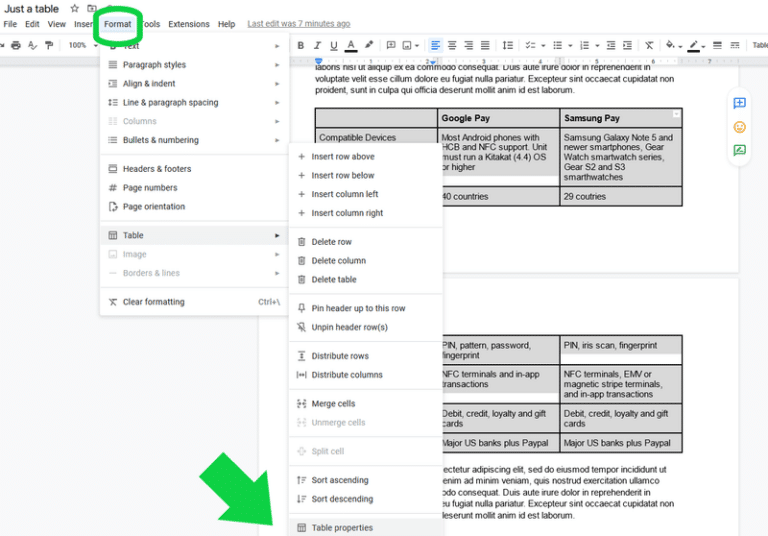
How to Do MLA Format on Google Docs [Step-by-Step Guide]
How to Change Background Color on Google Docs Guide
How to Add a Border in Google Docs (All 7 Ways)
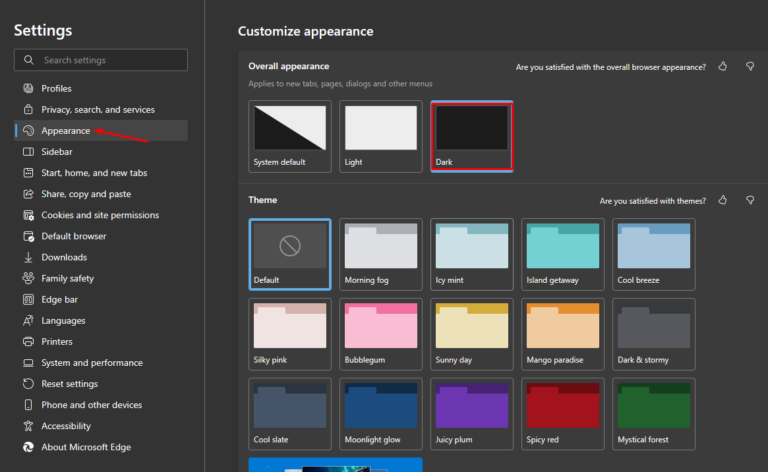
Google Docs Dark Mode: How to Enable It on Any Device
How to Alphabetize in Google Docs (2 Straightforward Ways)
How to Draw on Google Docs (2 Unbelievably Simple Ways)
How to Make a Resume on Google Docs
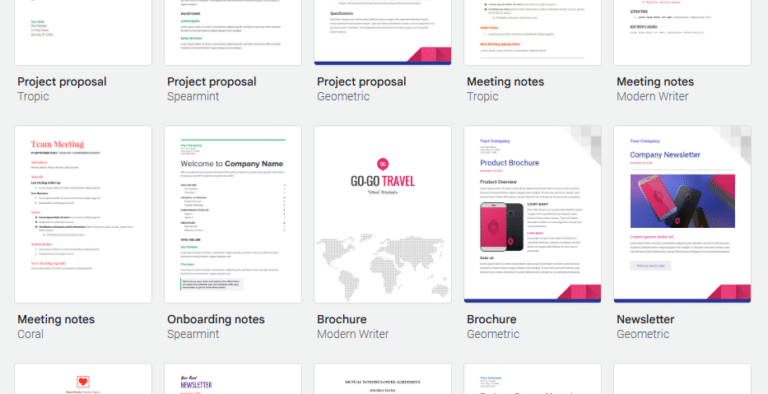
How to Make a Brochure on Google Docs (Easy 2026 Templates)
How to Create a Folder in Google Docs
How to Make a Table of Contents in Google Docs
Previous
Page
1
Page
2
Page
3
Page
4
Page
5
Next
Latest Articles
How to Hide Columns in Google Sheets
How to Plan Your Week in Google Sheets (Step-by-Step)
How to Create a Daily Schedule in Google Sheets
Wedding Cost Per Guest: How Venue Size Changes the Math
How to Insert Symbols in Google Sheets
Find and Replace in Google Docs
How to Add a Slicer in Google Sheets
How to Make a Google Sheets Button [Easy Guide]
The $11 billion PM industry is competing with a prompt
The $11 billion project management industry has a spreadsheet problem
Finance teams are quietly moving back to Google Sheets
How to Make a Gantt Chart in Google Sheets (Free Template)







How To Hide Comments in Google Docs [Step-by-Step Guide]