Find and Replace in Google Docs
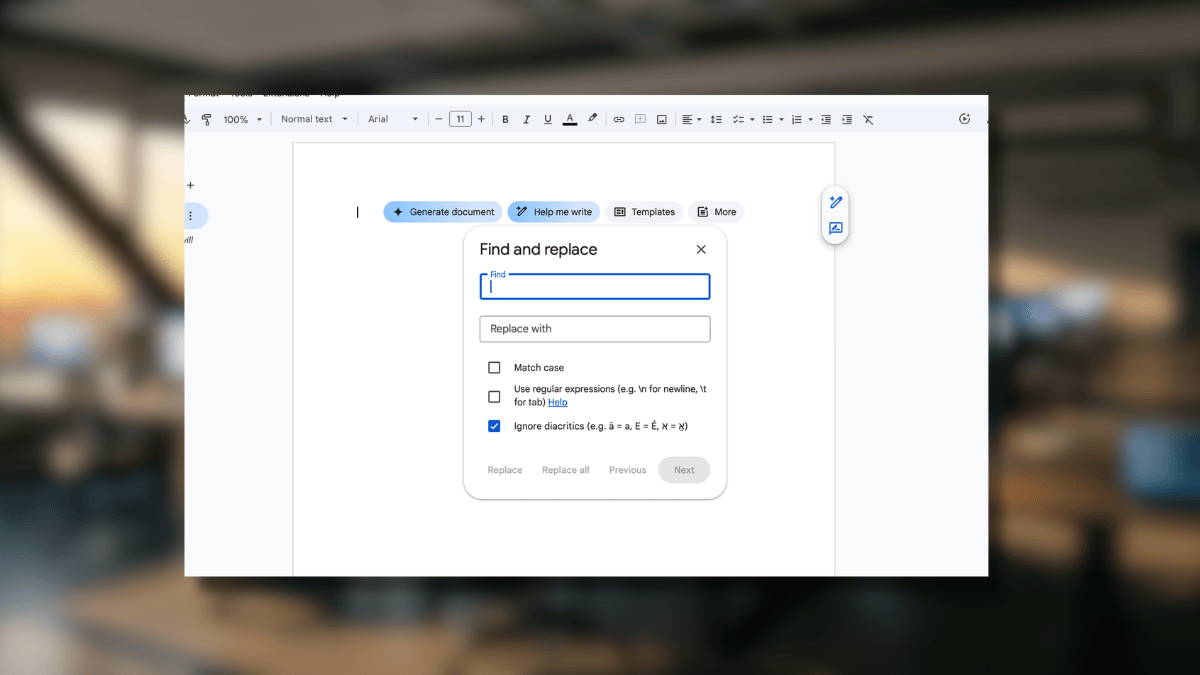
Find and Replace turns 30 minutes of manual editing into a single click. This guide covers the desktop and mobile workflows, the keyboard shortcut, and the regex tricks that most Google Docs users never learn.

Find and Replace turns 30 minutes of manual editing into a single click. This guide covers the desktop and mobile workflows, the keyboard shortcut, and the regex tricks that most Google Docs users never learn.
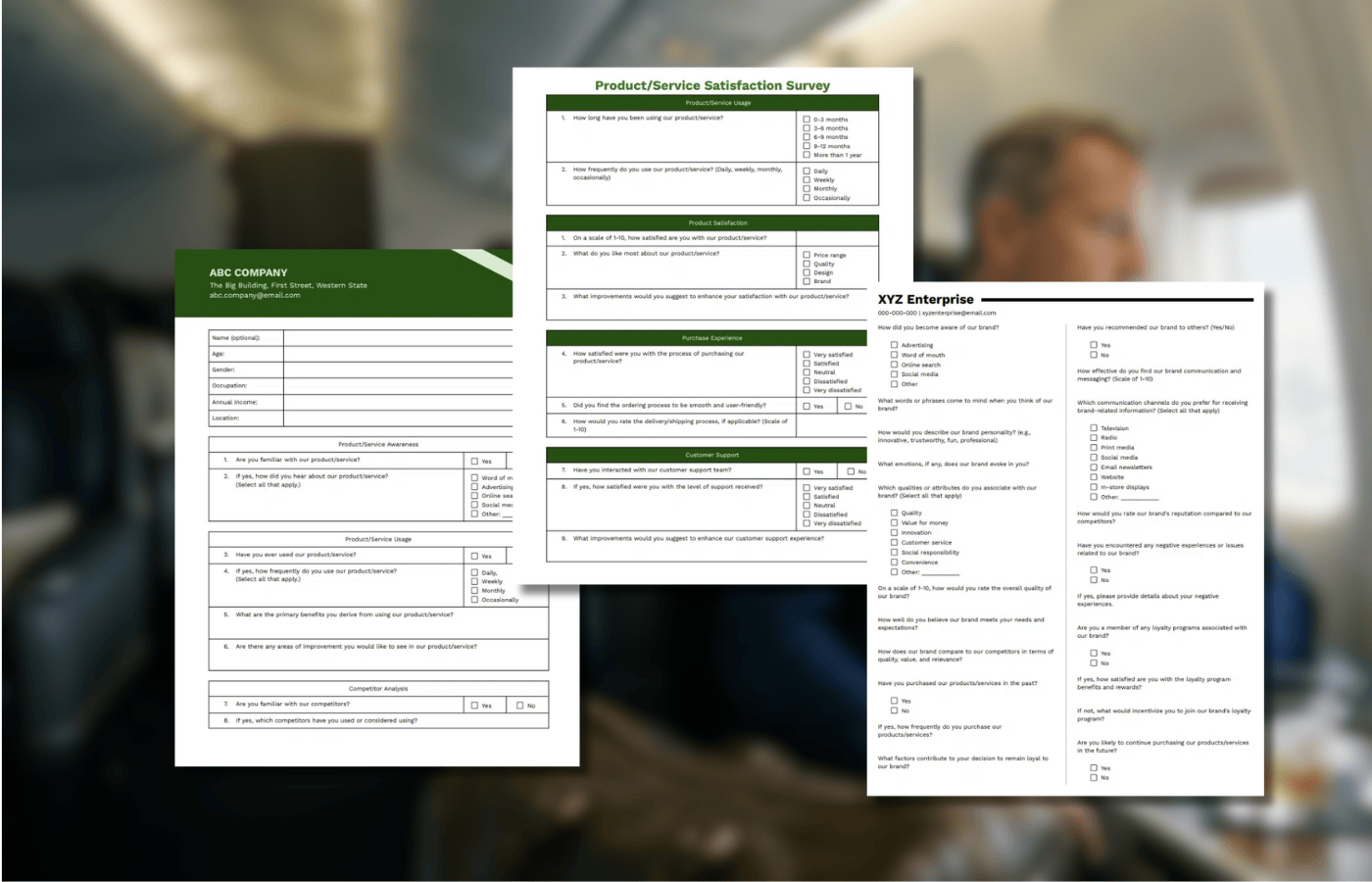
These 10 free questionnaire templates cover everything from market research and employee satisfaction to student feedback and teacher evaluations. Each one is built in Google Docs, fully customizable, and ready to download in one click. Skip the blank page and start collecting better responses today.
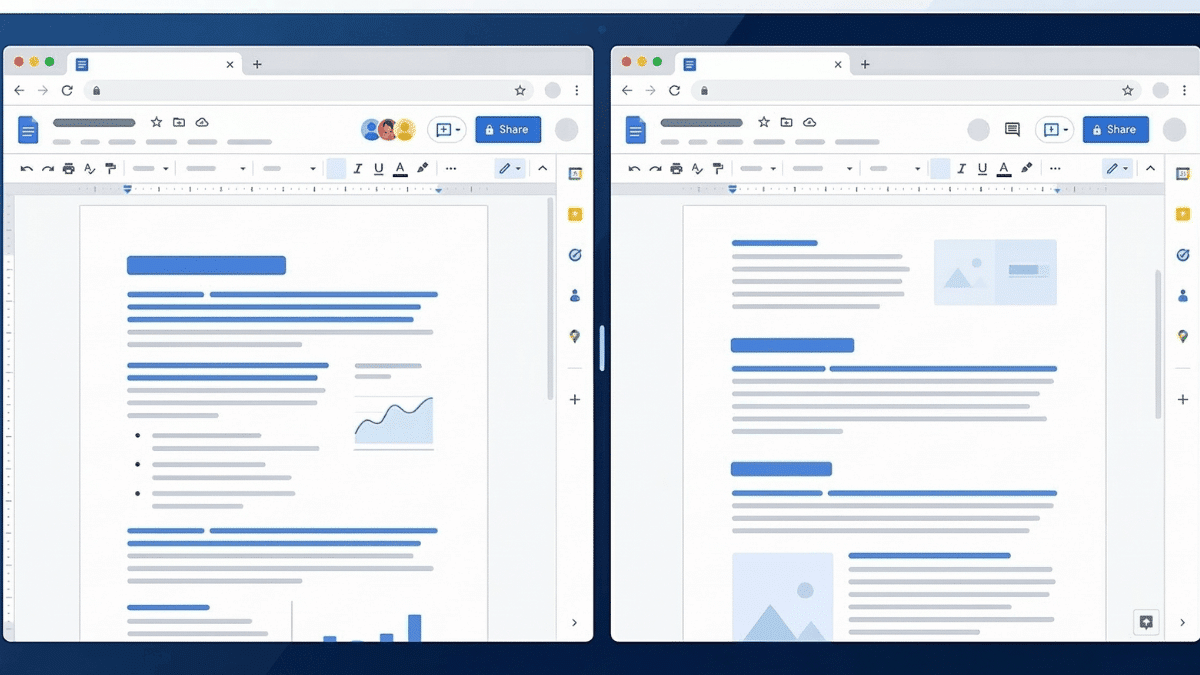
Google Docs does not have a built-in option to view multiple pages at once. But there are four practical workarounds: opening the document in split browser windows, using the print layout preview, zooming out to see two pages vertically, or installing a split-screen browser extension. This guide walks through all four methods with step-by-step instructions.
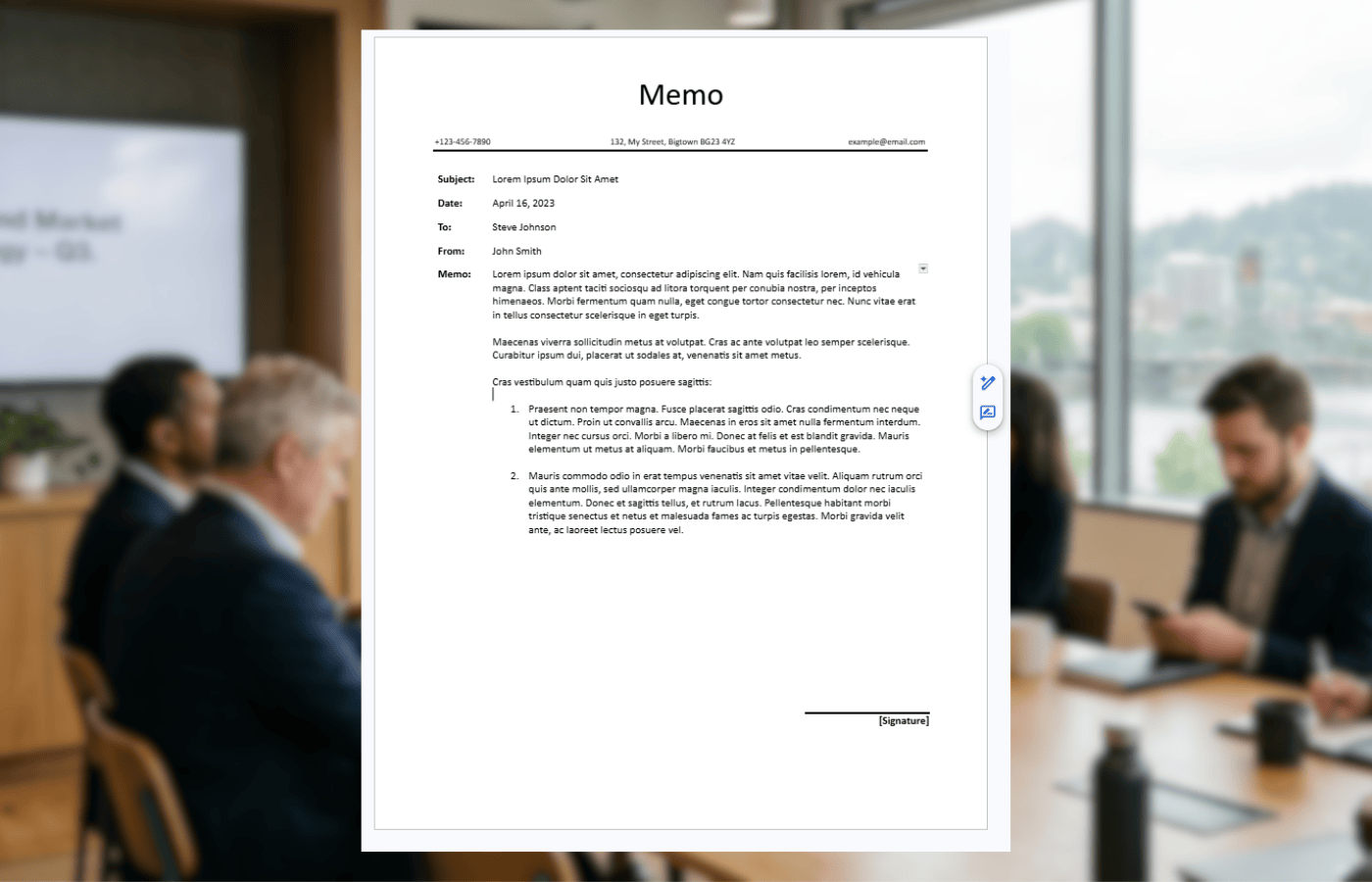
Three free memo templates for Google Docs, ready to copy with one click. Choose from a simple general-purpose format, a structured business version, or a color-accented internal template. Includes a step-by-step guide for building your own.

As a student, educator, or professional looking for an efficient way to organize information, you have likely come across the Cornell Note-taking system. It is widely considered one of the most effective methods for retaining information during lectures and readings. While often done on paper, you can easily use Google Docs to create digital Cornell … Read more

Double spacing in Google Docs takes a few clicks on desktop and a few taps on mobile. This guide covers all three methods: applying it to selected text, setting it as the document default, and doing it on iPhone or Android.

How to Indent on the Google Docs App: Select the text or paragraph you want to indent. Tap the “A” (Format) icon in the top-right corner of the screen. Tap the “Paragraph” tab in the formatting menu. Tap the “Right Indent” icon to increase the indent level. Repeat as needed to achieve your desired formatting. … Read more
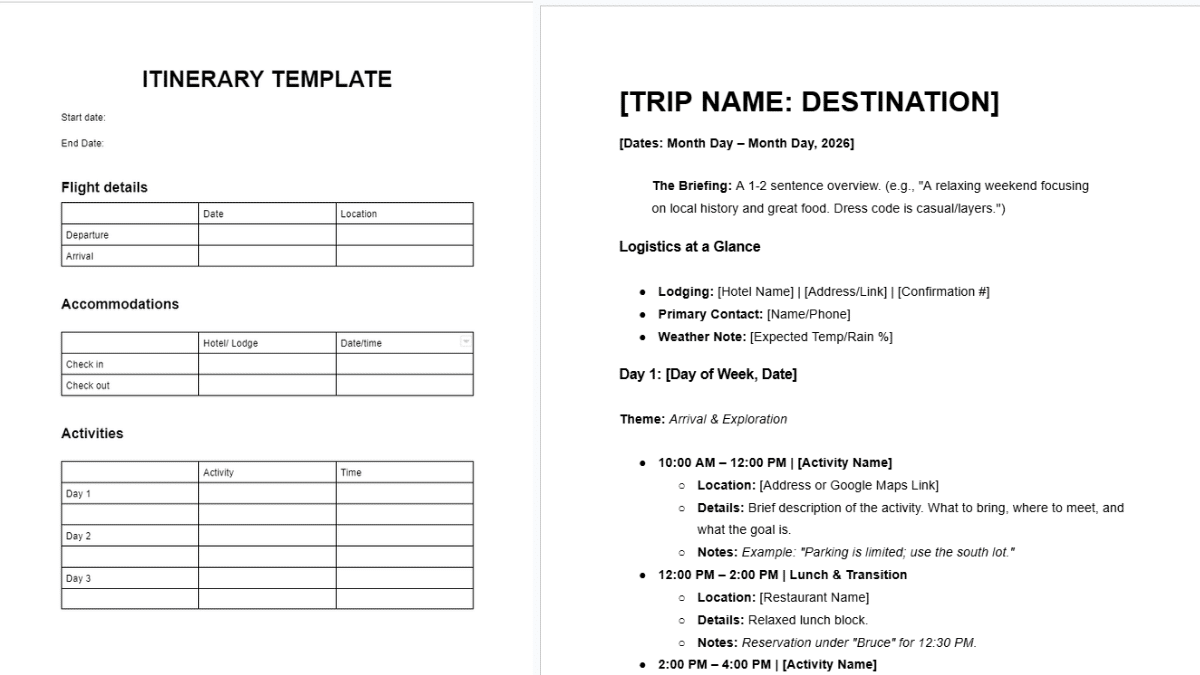
Seven free itinerary templates for Google Docs covering travel, business, vacation, wedding, and birthday planning. Each template is ready to copy, customize, and share.
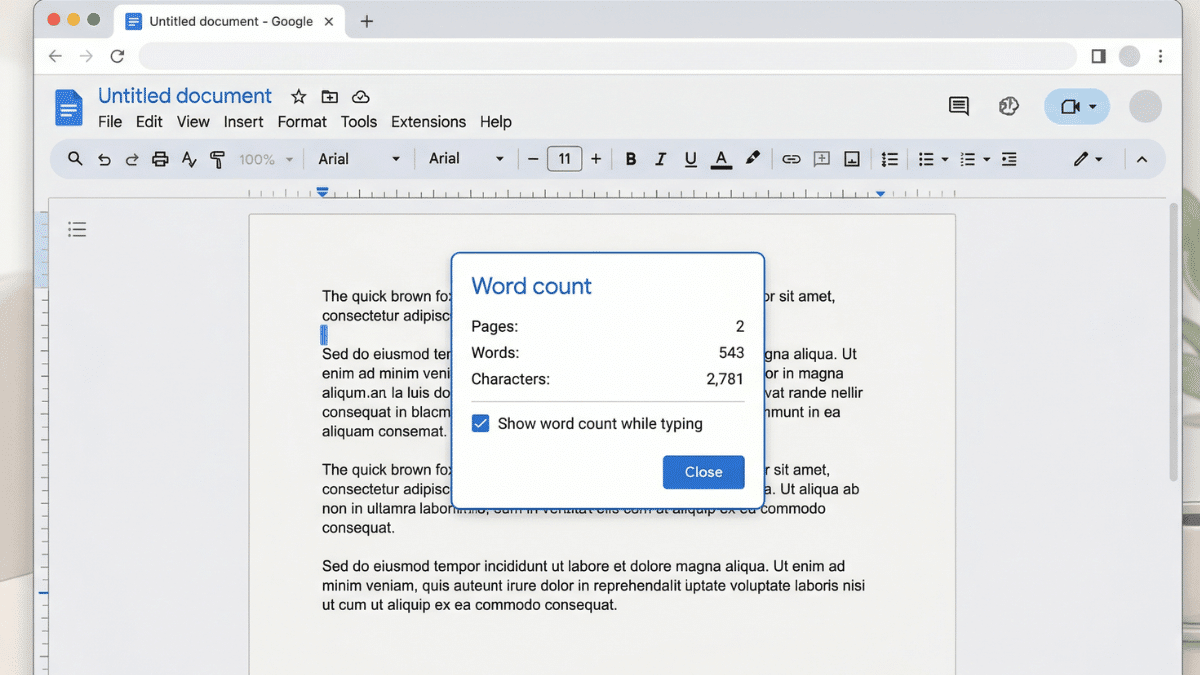
Google Docs has three built-in ways to check word count on desktop, plus a live counter that updates as you type. Here’s how to use all of them, including how to count just a selected section of text.