Find and Replace in Google Docs
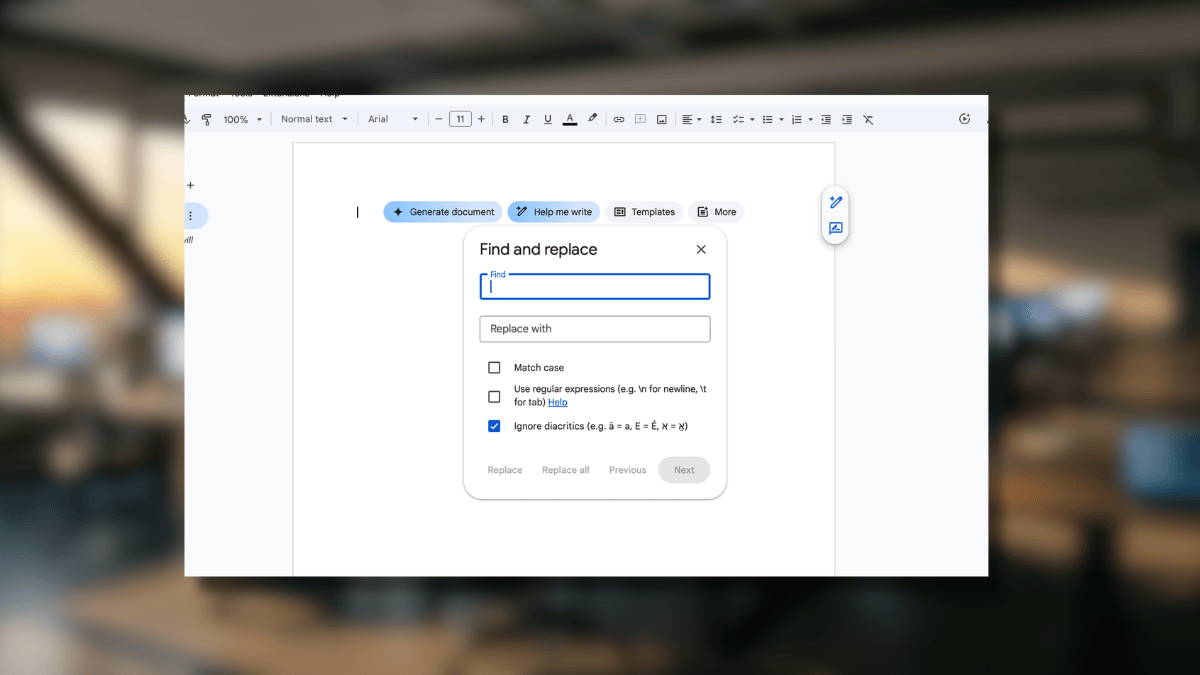
Find and Replace turns 30 minutes of manual editing into a single click. This guide covers the desktop and mobile workflows, the keyboard shortcut, and the regex tricks that most Google Docs users never learn.

Find and Replace turns 30 minutes of manual editing into a single click. This guide covers the desktop and mobile workflows, the keyboard shortcut, and the regex tricks that most Google Docs users never learn.

Every few months, someone discovers the Google Sheets QUERY function and has the same reaction: why did nobody tell me about this? Here is what it does and why it changes how you work with data.
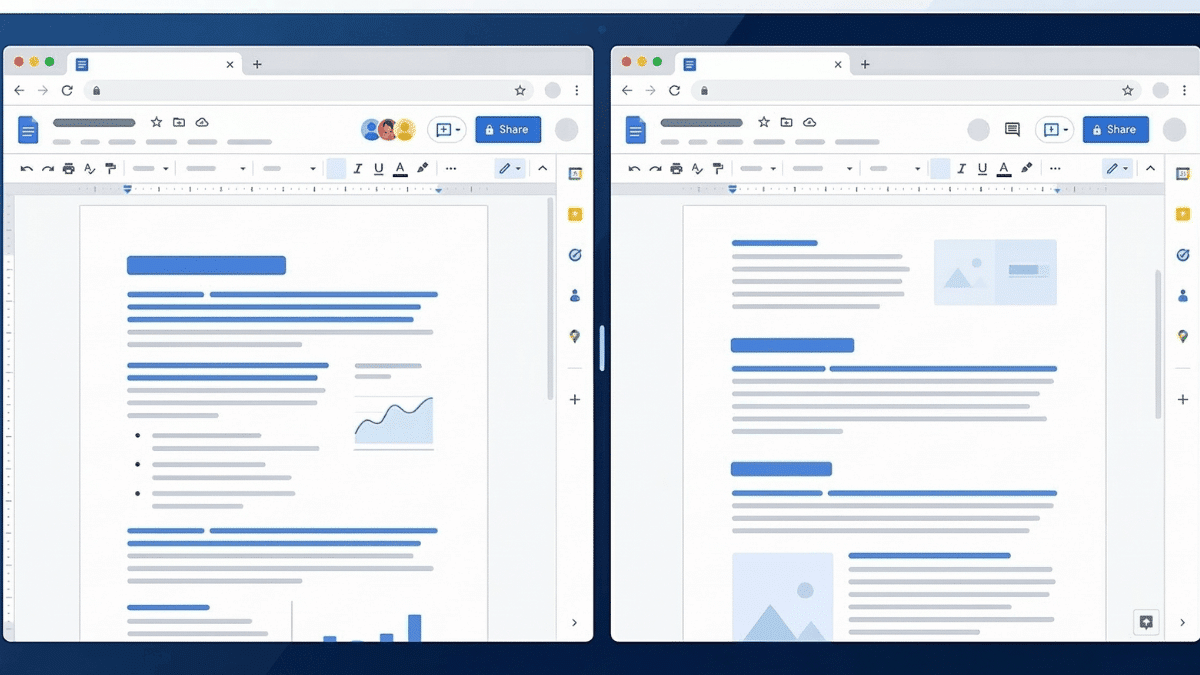
Google Docs does not have a built-in option to view multiple pages at once. But there are four practical workarounds: opening the document in split browser windows, using the print layout preview, zooming out to see two pages vertically, or installing a split-screen browser extension. This guide walks through all four methods with step-by-step instructions.