Skip to content
Search
Linkedin-in
Youtube
Newsletter
Google Sheets Tips
Formulas
Charts & Graphs
Top Courses
Templates
Excel Guides
Articles
Google Sheets Tips
Formulas
Charts & Graphs
Top Courses
Templates
Excel Guides
Articles
Google Sheets Tips
Formulas
Charts & Graphs
Top Courses
Templates
Excel Guides
Articles
Google Sheets Tips
Formulas
Charts & Graphs
Top Courses
Templates
Excel Guides
Articles
Google Sheets Tips
The Complete Wedding Vendor Checklist (Organized in a Free Spreadsheet)
How Small Businesses Use Spreadsheets for Smarter Project Management
If Your Business Doesn’t Use AI Coding Assistants, You’re Already Behind
Spreadsheets Still Beat Professional PM Software For Many Small Businesses
Airtable vs Google Sheets: The Ultimate Comparison
How To Remove Duplicates In Google Sheets (3 Easy Ways)
How Automation is Reshaping Personal Productivity: The Rise of Python for Office Workers
Automate Data Cleaning in Google Sheets: A Beginner’s Guide to Python and Pandas
How to Update Your Google Sheets Calendar Templates
Google Sheets vs Excel – Which Is Better?
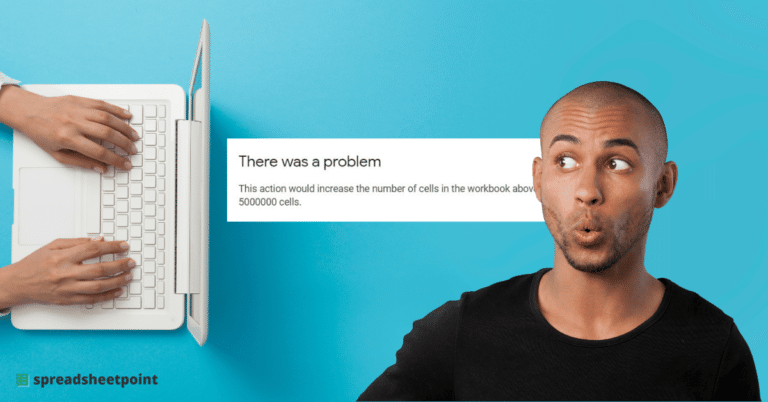
The Surprising Limitations of Google Sheets
Previous
Page
1
Page
2
Page
3
Page
4
Page
5
Next
Latest Articles
How to Hide Columns in Google Sheets
How to Plan Your Week in Google Sheets (Step-by-Step)
How to Create a Daily Schedule in Google Sheets
Wedding Cost Per Guest: How Venue Size Changes the Math
How to Insert Symbols in Google Sheets
Find and Replace in Google Docs
How to Add a Slicer in Google Sheets
How to Make a Google Sheets Button [Easy Guide]
The $11 billion PM industry is competing with a prompt
The $11 billion project management industry has a spreadsheet problem
Finance teams are quietly moving back to Google Sheets
How to Make a Gantt Chart in Google Sheets (Free Template)