How to View Multiple Pages in Google Docs (4 Methods)
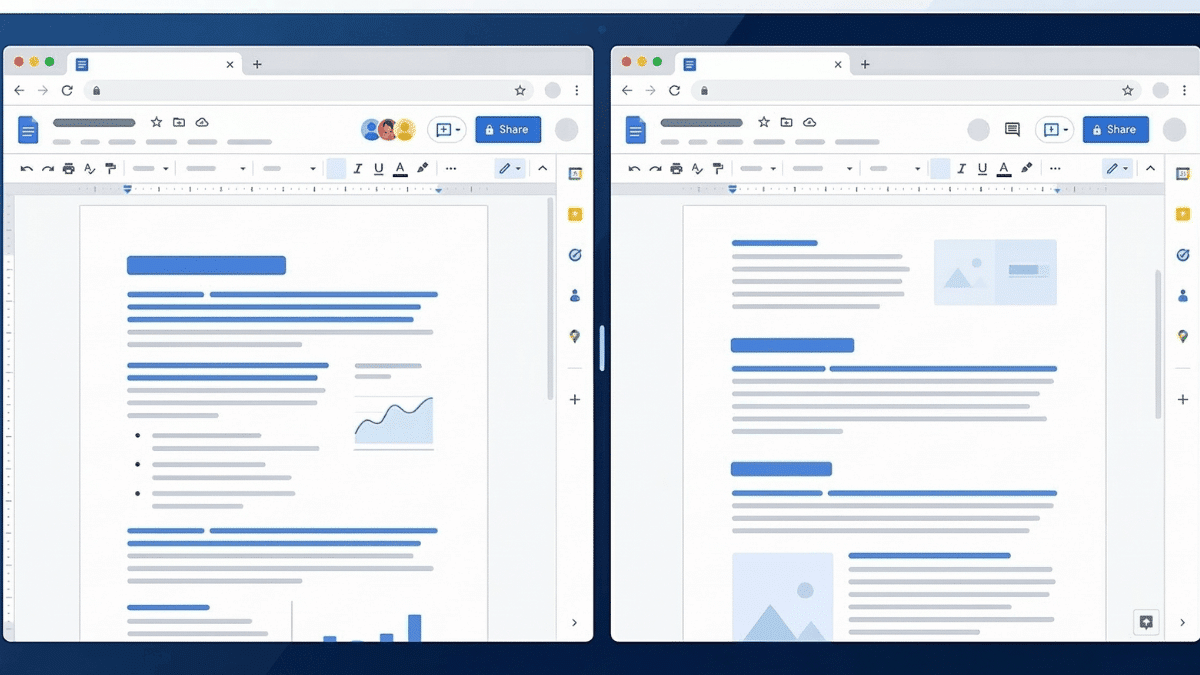
Side by side pages shown in an illustration representing Google Docs.

Google Docs does not have a built-in option to view multiple pages at once. But there are four practical workarounds: opening the document in split browser windows, using the print layout preview, zooming out to see two pages vertically, or installing a split-screen browser extension. This guide walks through all four methods with step-by-step instructions.

Get a Free Cornell Notes Template for Google Docs (3 Types)

Resize the table.

As a student, educator, or professional looking for an efficient way to organize information, you have likely come across the Cornell Note-taking system. It is widely considered one of the most effective methods for retaining information during lectures and readings. While often done on paper, you can easily use Google Docs to create digital Cornell … Read more

How to Indent on Google Docs App [2-Minute Guide]

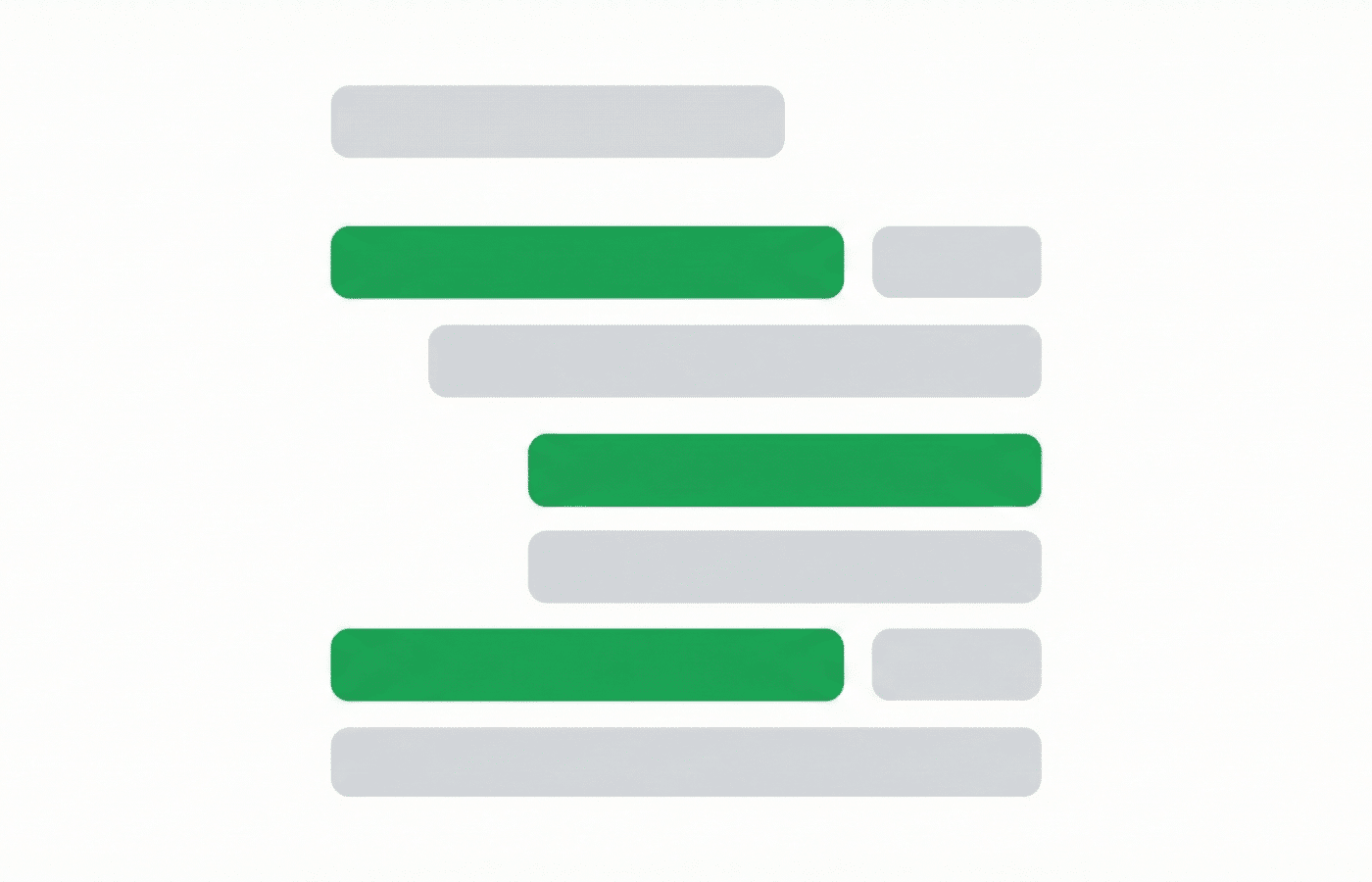
A stylized visual showing indentation in Google Docs

How to Indent on the Google Docs App: Select the text or paragraph you want to indent. Tap the โ€œAโ€ (Format) icon in the top-right corner of the screen. Tap the “Paragraph” tab in the formatting menu. Tap the “Right Indent” icon to increase the indent level. Repeat as needed to achieve your desired formatting. … Read more