You’ve Been Filtering Google Sheets Data the Hard Way

An old edison style lightbulb

Every few months, someone discovers the Google Sheets QUERY function and has the same reaction: why did nobody tell me about this? Here is what it does and why it changes how you work with data.

How to Use the Gemini Sidebar in Google Sheets (And When to Use =AI() Instead)

An accountant with a butler next to him, serving a cup of tea.

The Gemini sidebar and the AI function look related because they’re both powered by Gemini. But they work in fundamentally different ways, serve different use cases, and produce results you have to handle differently. Using the wrong one for a task is like using a calculator when you needed a notebook.

How To Highlight Duplicates in Google Sheets

Highlight duplicates in Google Sheets with a single formula.

Highlighting duplicates in Google Sheets takes one formula and a conditional formatting rule. This guide shows how to do it in a single column, across multiple columns, and for entire duplicate rows, including how to flag only the second occurrence, combine multiple conditions, and fix the two most common reasons the formula stops working.

How to Reverse Order in Google Sheets (5 Methods That Actually Work)

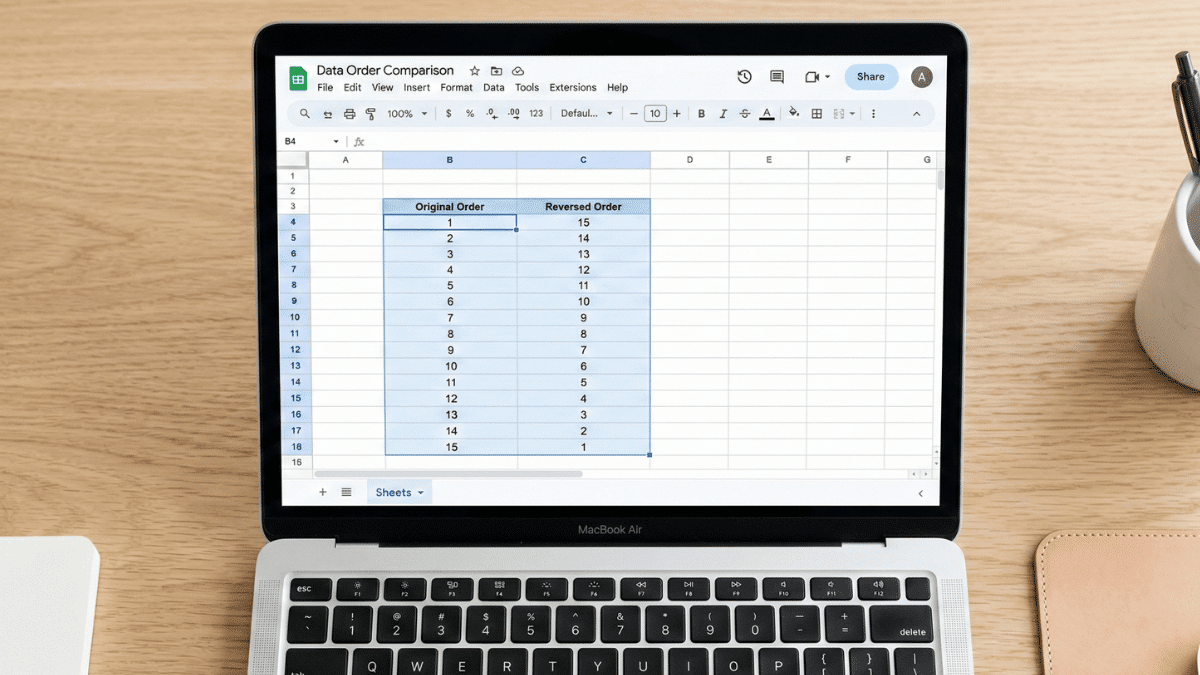
A macbook air showing how to reverse order in Google Sheets.

Need to flip your data in Google Sheets? This guide covers five methods for reversing column order, from the two-click Sort Range approach to the modern single-cell MAKEARRAY formula. Whether your data is sorted, random, or horizontal, there’s a method here that fits.

How To Highlight the Highest or Lowest Value in Google Sheets (Easy Guide)

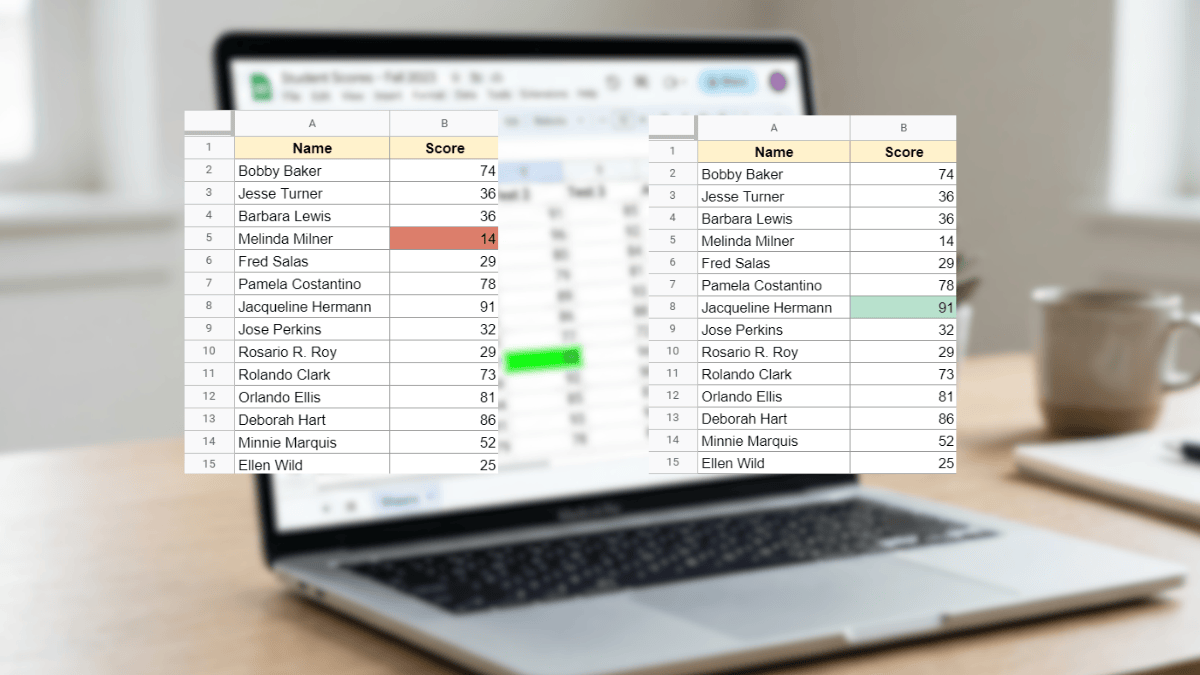
Highest and lowest cells highlighted in google sheets

Use Conditional Formatting in Google Sheets to automatically highlight the highest or lowest value in any dataset with no manual scanning required. This tutorial covers max, min, top N, bottom N, and full-row highlighting with simple custom formulas.