You’ve Been Filtering Google Sheets Data the Hard Way

Every few months, someone discovers the Google Sheets QUERY function and has the same reaction: why did nobody tell me about this? Here is what it does and why it changes how you work with data.


Excel rarely wastes your time in one dramatic mistake. It drains it in tiny motions, scrolling, clicking, repeating the same steps over and over. These five keyboard shortcuts remove the most common friction points and can realistically save you an hour of work this week if you use them on purpose.
We treat Sheets like a piece of digital paper. We enter data, and when we need to find an answer, we manually scroll. We waste time hunting for rows or applying temporary filters that shuffle our data and risk messing up the whole sheet.
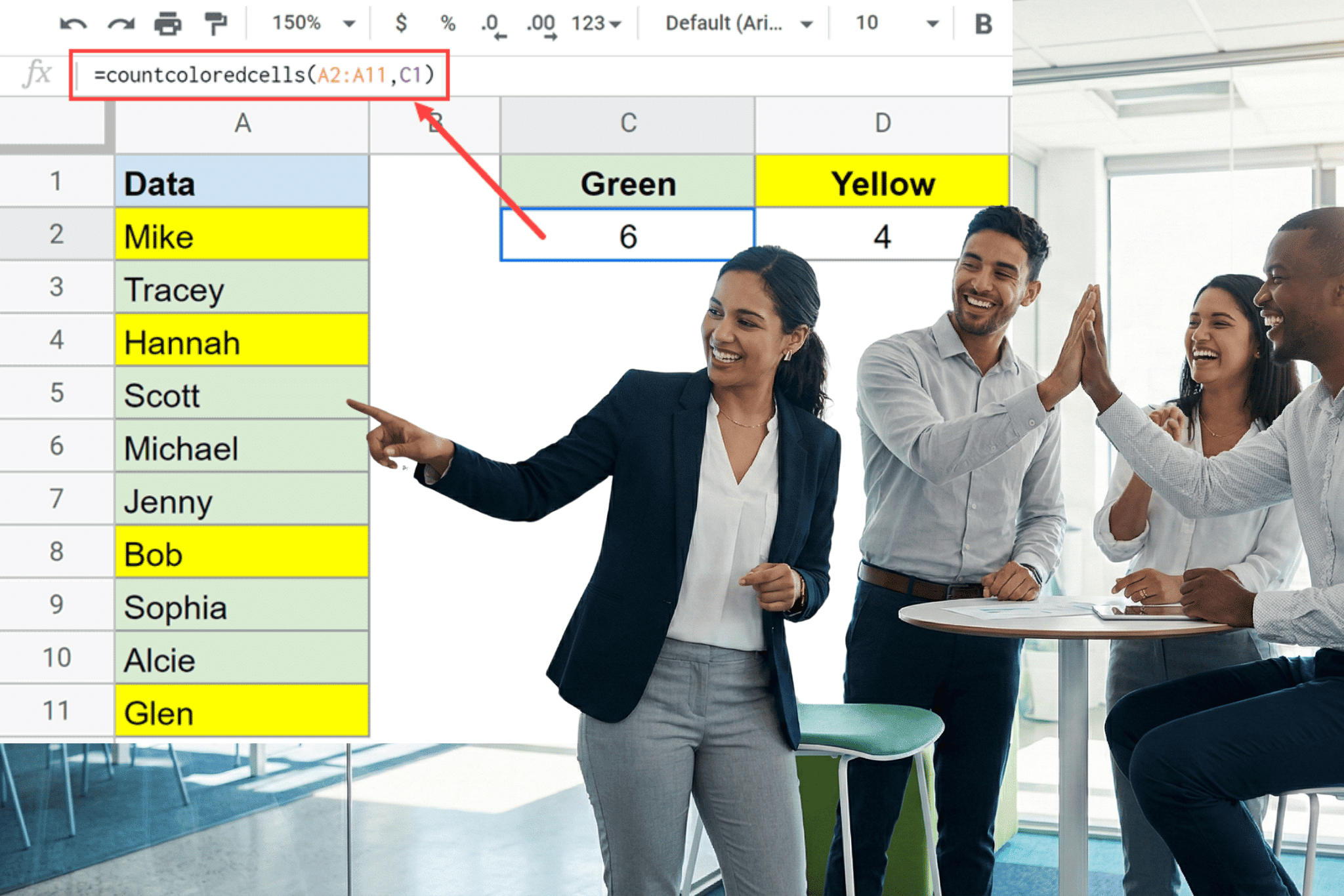
Google Sheets doesn’t have a native formula for counting cells by background color. This guide covers three practical workarounds: a custom Apps Script function, a no-code filter method, and a third-party add-on with step-by-step instructions for each.
Highlighting duplicates in Google Sheets takes one formula and a conditional formatting rule. This guide shows how to do it in a single column, across multiple columns, and for entire duplicate rows, including how to flag only the second occurrence, combine multiple conditions, and fix the two most common reasons the formula stops working.
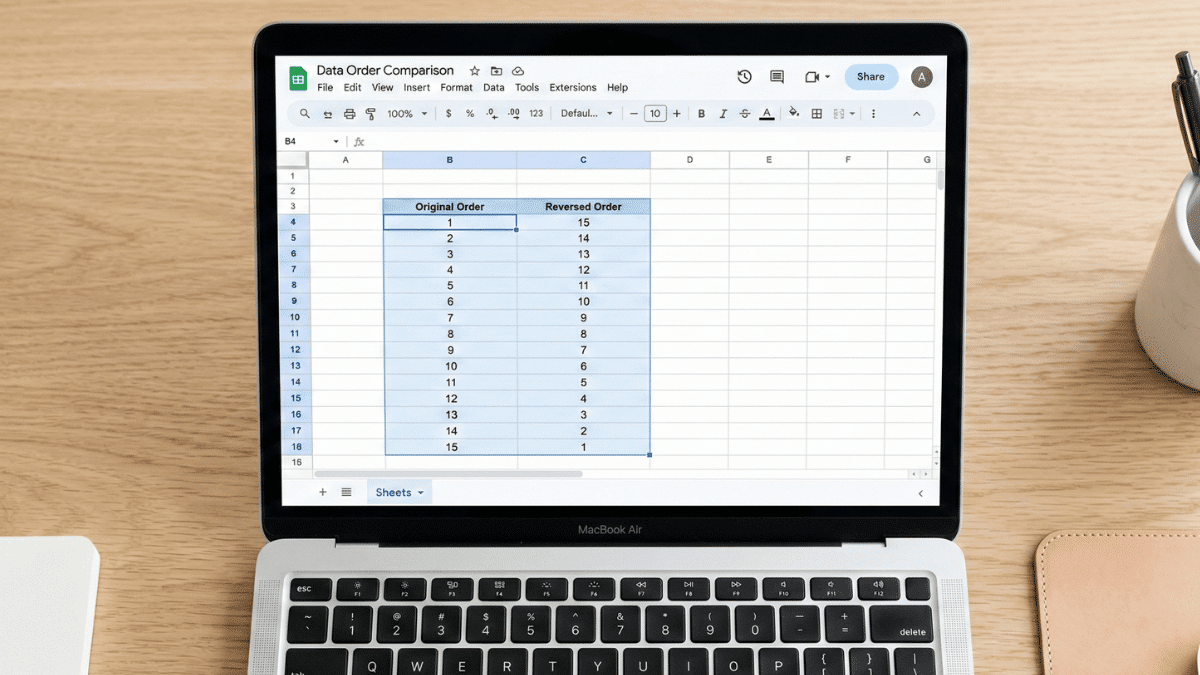
Need to flip your data in Google Sheets? This guide covers five methods for reversing column order, from the two-click Sort Range approach to the modern single-cell MAKEARRAY formula. Whether your data is sorted, random, or horizontal, there’s a method here that fits.
Learn how to insert an image in a cell in Google Sheets. This guide shows each step with photos, videos, and detailed instructions.