
Predict Trends with Linear Regression in Google Sheets (No Code Needed)

Here’s how to run both simple and multiple linear regression in Google Sheets using the built-in LINEST function. No add-ons or coding required.
Here’s how to run both simple and multiple linear regression in Google Sheets using the built-in LINEST function. No add-ons or coding required.

Once we started using Google Sheets’ built-in tools to highlight duplicates, it became one of those productivity hacks we rely on every single month.

With Skype gone, Zoom faces even less direct competition, further cementing its dominance in virtual meetings. Microsoft hopes to funnel users toward Teams, while Google continues to push Meet as an alternative.

If Microsoft can discard Skype after years of brand recognition and global adoption, what’s to stop it from eventually doing the same to Excel?

Split text into columns with the “text-to-column” tool in Excel or Google Sheets. This guide shows exactly how to do it.

Sum a column in Google Sheets the easy way. Automate it with a function or find the data immediately on-screen.

Despite the rise of cloud-based accounting platforms with automation and built-in compliance features, Excel remains a go-to choice for many.

Integrating Python with Google Sheets is more than just a technical skill; it’s a gateway to endless possibilities for improving productivity and decision-making.
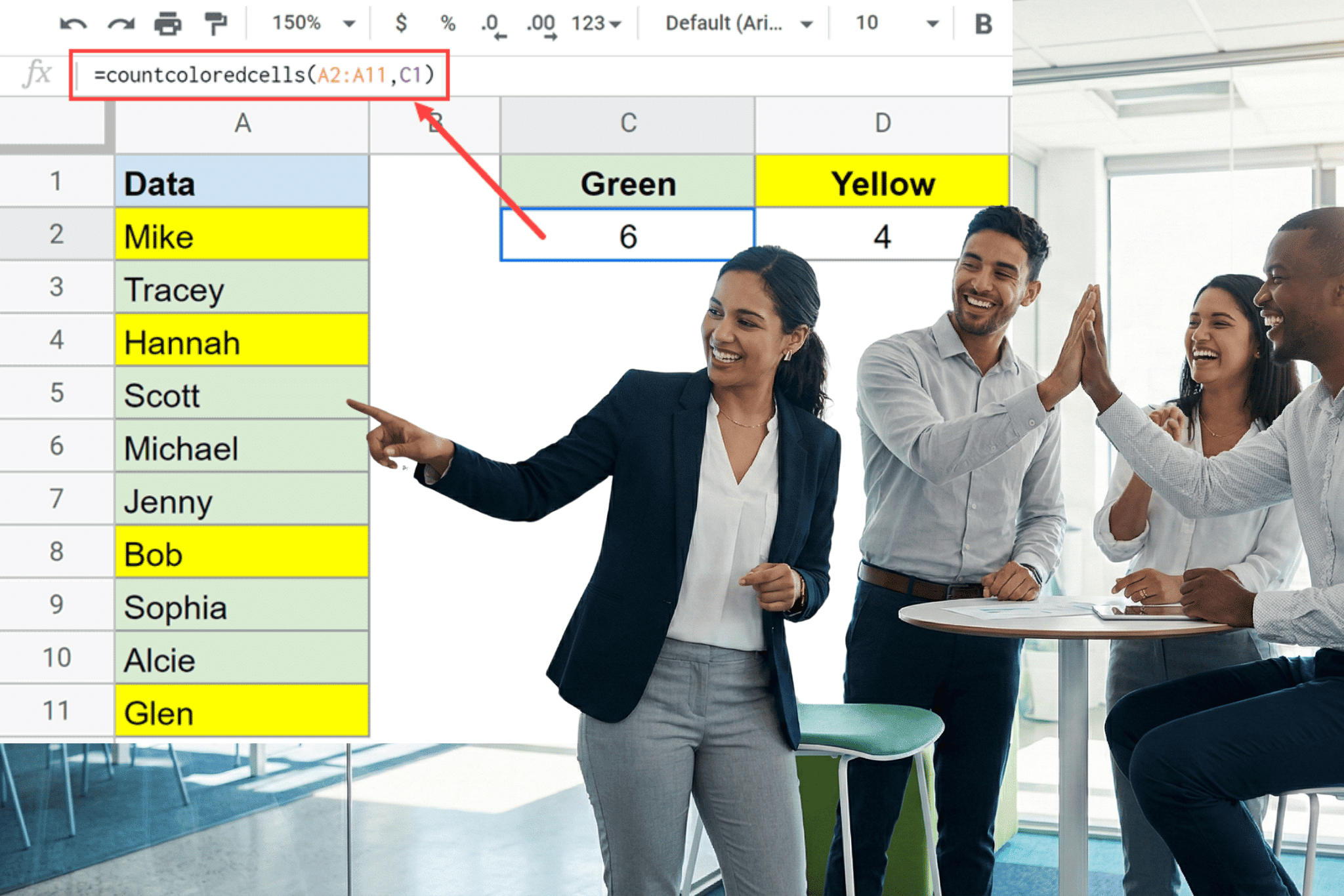
Google Sheets doesn’t have a native formula for counting cells by background color. This guide covers three practical workarounds: a custom Apps Script function, a no-code filter method, and a third-party add-on with step-by-step instructions for each.