
Google Docs
How To Start Page Numbers on Page 3 in Google Docs
Adding page numbers is a useful way to keep track of the pages in a document. However, sometimes you may want to start the page numbering from a specific page,


Adding page numbers is a useful way to keep track of the pages in a document. However, sometimes you may want to start the page numbering from a specific page,

Inserting a vertical line in your Google Docs document can make it more readable and engaging. Vertical lines can break up walls of text, create columns for easy reading, and

Nowadays, most people prefer watching videos to reading blocks of text. Thus, adding videos to your Google Docs file can quickly grab your readers’ attention and keep them engaged. In

Want to learn how to rotate text in Google Docs? If word processing applications are essential for writing documents, Google Docs is among the most reliable free cloud word processors
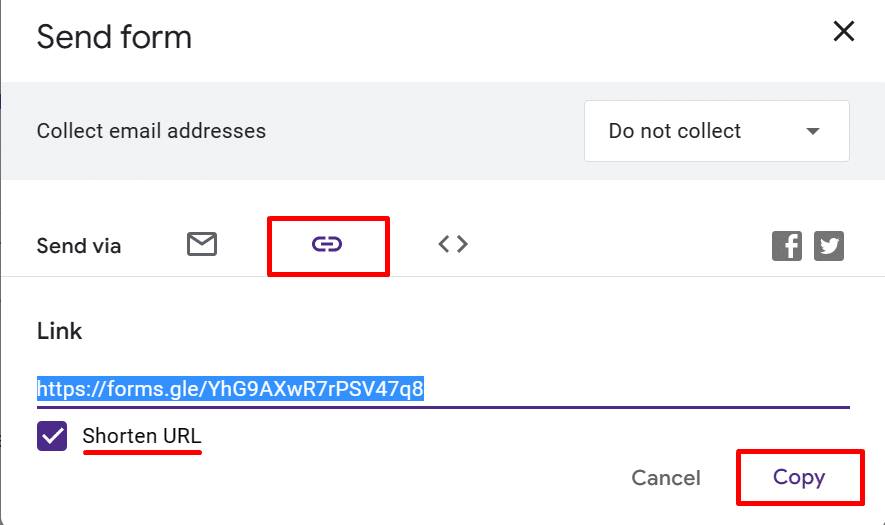
If you’ve ever needed to gather responses from a wide range of participants for surveys, feedback forms, or event registrations, it’s crucial to make your Google Form accessible to everyone.

Need to insert long pieces of text in an article? You should consider using block quotes in Google Docs. To do this, open your Google Document, then go to “Format”

You don’t have to spend hours manually highlighting the different parts of your code snippets. Instead, you can use a Google Doc code block feature to simplify the process. Follow

Losing your beloved pet can be a distressing experience. There’s fear and worry that accompany you as you search for them. To increase the chances of reuniting with your furry
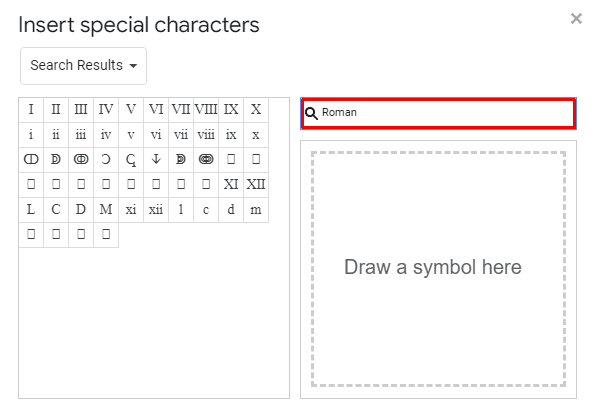
Organizing your document is one of the best practices to apply when creating content. And you can do that elegantly by using Roman numerals in Google Docs. They’re great to