How To Highlight Duplicates in Google Sheets

Highlight duplicates in Google Sheets with a single formula.

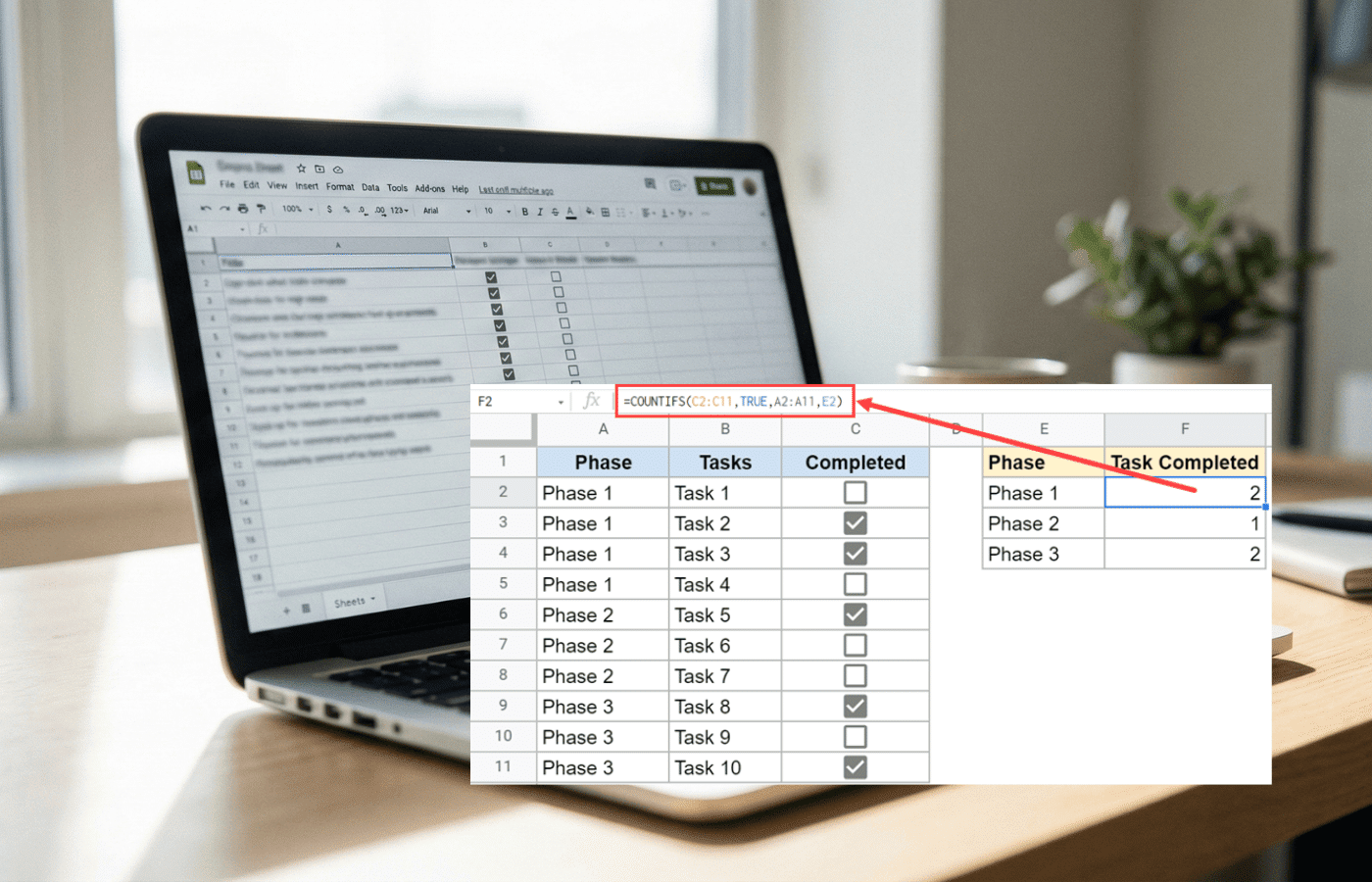
Highlighting duplicates in Google Sheets takes one formula and a conditional formatting rule. This guide shows how to do it in a single column, across multiple columns, and for entire duplicate rows, including how to flag only the second occurrence, combine multiple conditions, and fix the two most common reasons the formula stops working.

Google Sheets Currency Conversion: The Easy Method

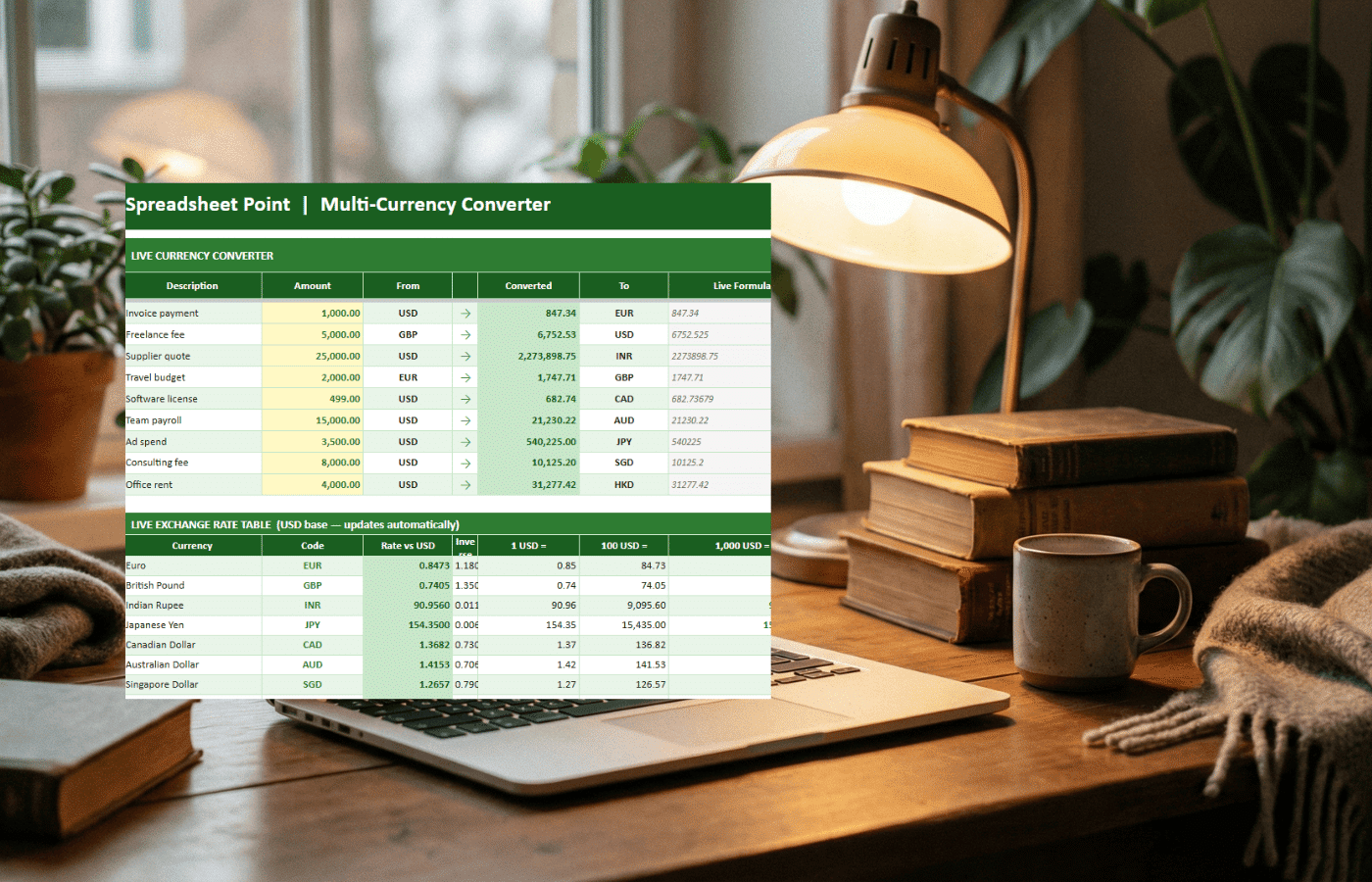
Google Sheets can convert currencies automatically with one GOOGLEFINANCE formula. This guide shows how to pull live exchange rates, convert amounts from USD to popular currencies, fetch historical rates, troubleshoot errors, and handle Excel currency conversion when you need it.

How to Reverse Order in Google Sheets (5 Methods That Actually Work)

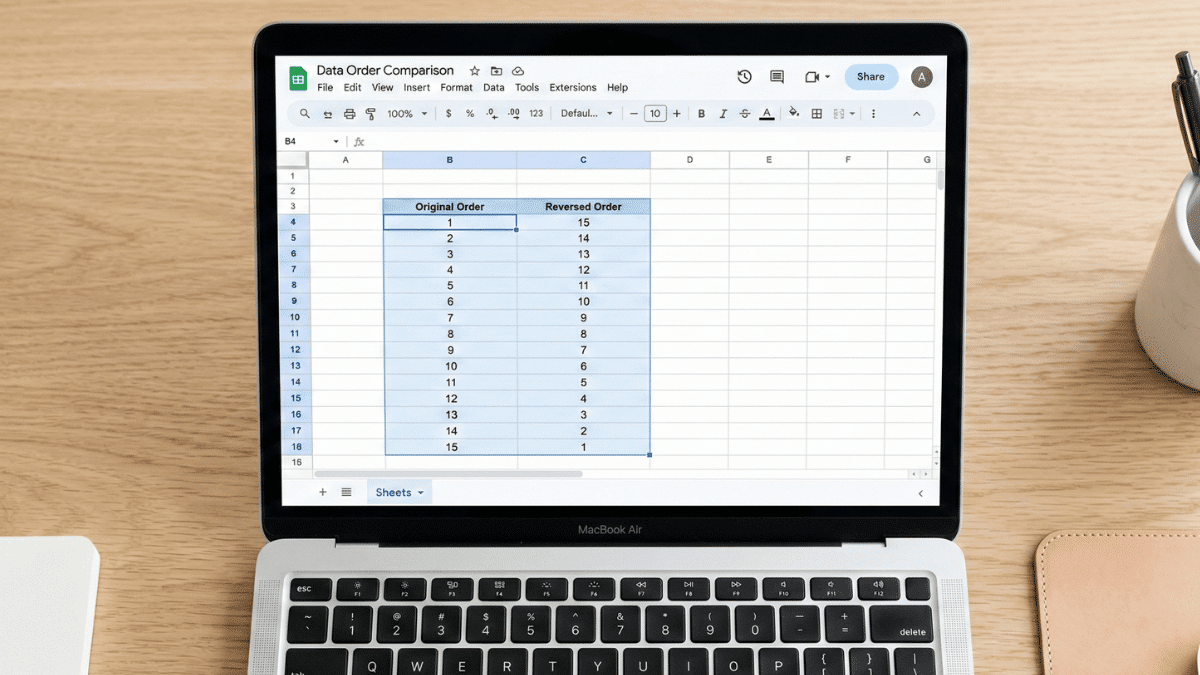
A macbook air showing how to reverse order in Google Sheets.

Need to flip your data in Google Sheets? This guide covers five methods for reversing column order, from the two-click Sort Range approach to the modern single-cell MAKEARRAY formula. Whether your data is sorted, random, or horizontal, there’s a method here that fits.

How To Highlight the Highest or Lowest Value in Google Sheets (Easy Guide)

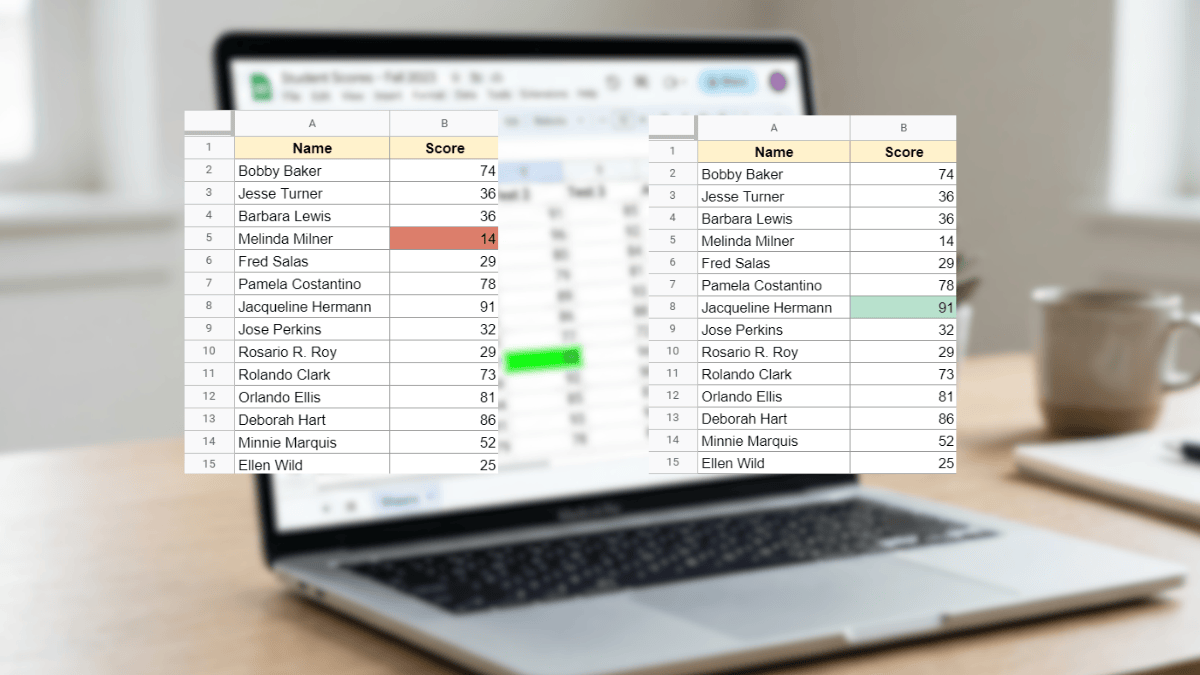
Highest and lowest cells highlighted in google sheets

Use Conditional Formatting in Google Sheets to automatically highlight the highest or lowest value in any dataset with no manual scanning required. This tutorial covers max, min, top N, bottom N, and full-row highlighting with simple custom formulas.

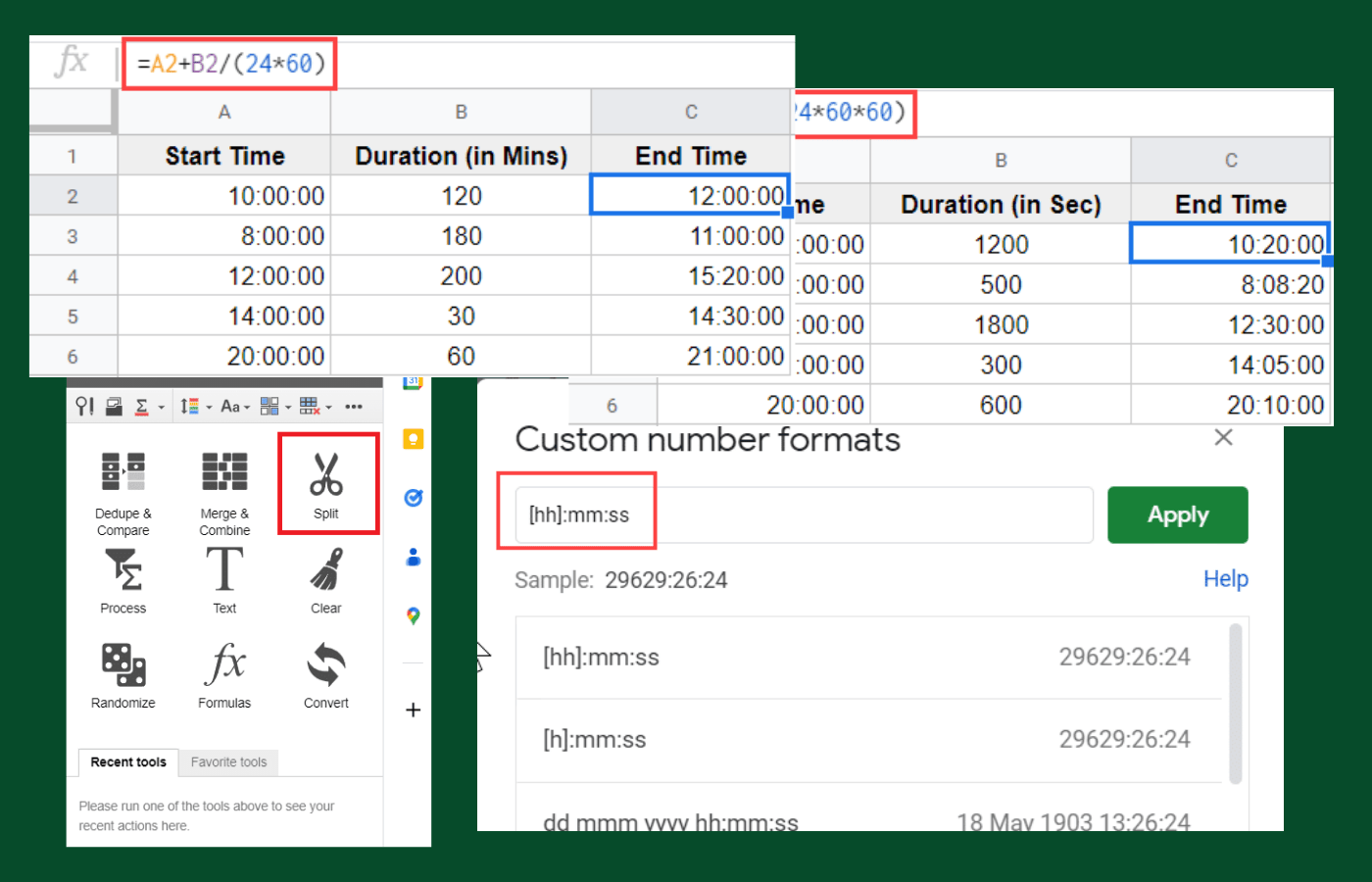
How to Add Time in Google Sheets (Hours, Minutes, Seconds)

Four different methods showing how to add time in Google Sheets.

Adding time in Google Sheets is simple once you know whatโ€™s happening under the hood. See how to add a specific number of hours, minutes, or seconds to a given time or timestamp, plus how to sum and subtract time with accuracy and clarity.