
The fastest way to ruin hosting is to do math in your head while you are also trying to clean your kitchen.
You are wiping counters, answering texts, checking the game start time, and trying to remember if a 12-ounce bag of chips is enough for eight adults. This is when people overbuy by accident or underbuy by confidence, and either way you end up annoyed.
This matters right now because hosting has gotten more expensive, and the margin for error feels smaller. One extra store run can cost you an hour you do not have, and overbuying adds up fast when it is wings, not paper napkins.
You do not need a perfect menu. You need enough food, a little buffer, and a list you can trust when you are standing in the store aisle.
This spreadsheet is built for that moment. Enter the number of guests, pick an appetite level, and it spits out chips, dip, and wings totals you can shop from.
The best part is psychological. Once the numbers are on the sheet, your brain stops negotiating with itself. You stop doing mental math, you stop second-guessing, and you stop changing the plan every time someone texts, I might bring a friend.
If you want a simple base to build on, start with a shareable shopping list template, then add the calculator tab. We use a Google Sheets Grocery List Template as a jumping-off point.
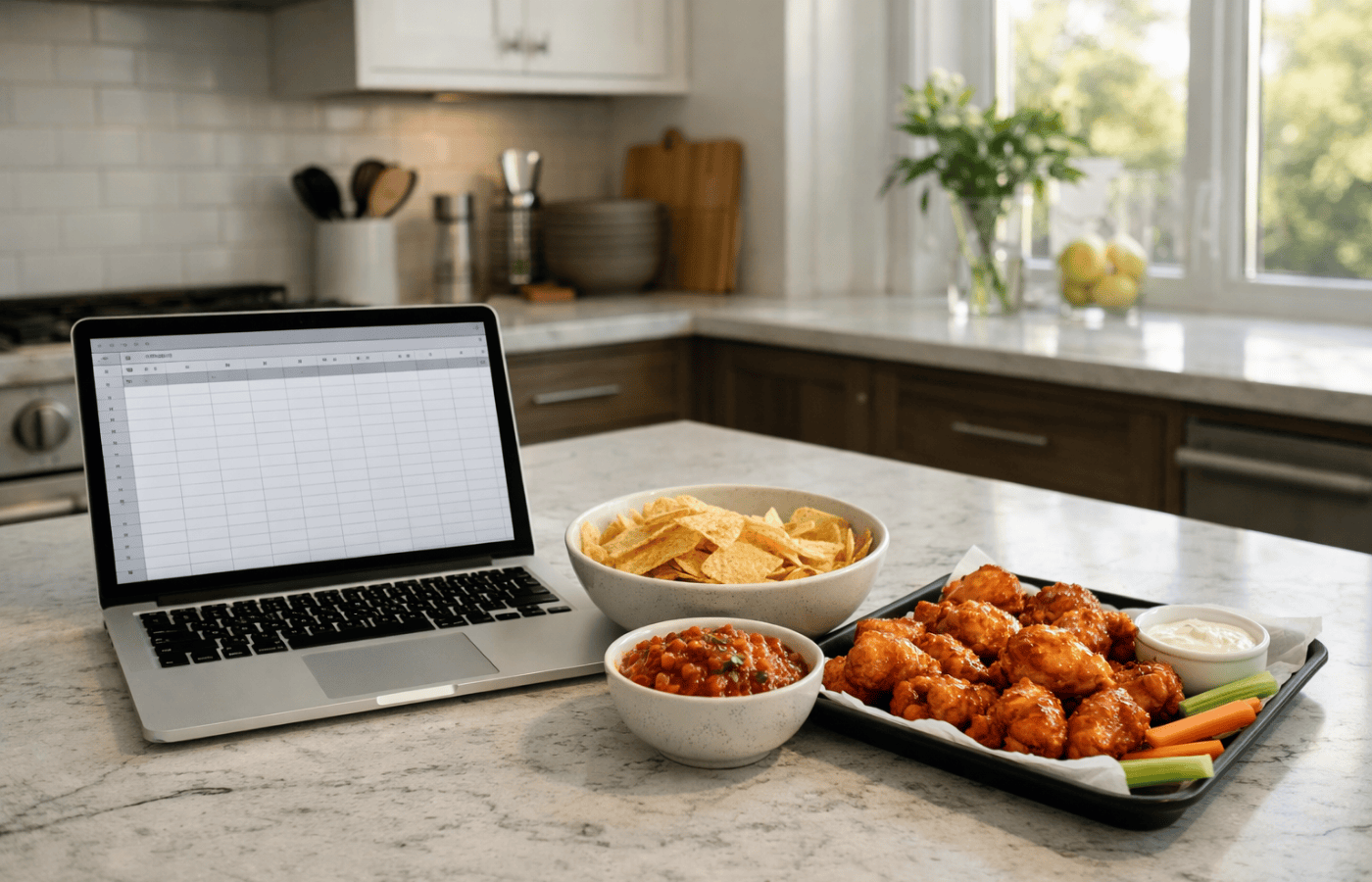
The inputs
- Guests (adults)
- Kids (optional)
- Appetite level: light, normal, hungry
- Wings style: main food, side food
Portion assumptions that work for most parties
- Chips: 2 oz per adult (light), 3 oz (normal), 4 oz (hungry)
- Dip: 2 oz per adult (light), 3 oz (normal), 4 oz (hungry)
- Wings: 4 per adult (side), 6 per adult (normal), 8 per adult (main food)
- Buffer: 10% for chips and dip, 15% for wings
Then, build a calculator tab. This does the heavy lifting for you. It’s the most useful part of the spreadsheet.
Create a sheet with these columns: Item, Per-person amount, Guests, Subtotal, Buffer, Total to buy.
- Subtotal = Per-person amount * Guests
- Total to buy = ROUNDUP(Subtotal * (1 + Buffer), 0)
Example formulas
- Chips total ounces: =ROUNDUP(B2 * C2 * 1.10, 0)
- Dip total ounces: =ROUNDUP(B3 * C3 * 1.10, 0)
- Wings total count: =ROUNDUP(B4 * C4 * 1.15, 0)
Then add a second output column that converts totals into things you actually buy.
- Chips bags (12 oz): =ROUNDUP(Chips_Ounces / 12, 0)
- Dip tubs (16 oz): =ROUNDUP(Dip_Ounces / 16, 0)
- Wings packs (varies), keep this manual if your store sizes are inconsistent
If you want to keep spending under control, add a Price column and a Total Cost column. Or use an event budget template that already does the structure for you.
Quick FAQ
What if people are bringing food?
Still run the sheet, then reduce totals by the items people committed to. The sheet is most useful when you are trying to avoid duplicate buying.
What if I have fewer than 10 guests?
Keep the buffer. Small parties are where you run out of food fastest because one extra hungry person changes everything.
How do I make this shareable?
Put the grocery list on one tab, then share view-only once you lock the numbers, so nobody accidentally edits totals.
Bottom line
Hosting goes better when you decide once, then stop thinking about it. The spreadsheet is about buying the right amount, staying on budget, and keeping your day from turning into a series of emergency store runs.
Put the math on a sheet, shop from the list, and move on with your day. The best hosts are not the ones who do everything perfectly. They are the ones who set the plan early enough that they can actually enjoy the game with everyone else.